A hands-on example of why I'm still using packages in the AI era

John Richardson
Fullstack PHP developer
As AI has got better at writing code, there’s been a fair bit of debate about whether we still need packages.
Robert Libsansky replaced an npm validator with an AI-written one in a few minutes, and argues that many small dependencies, especially ones you only use a fraction of, are no longer worth pulling in. Tim Benniks takes a more dependency-friendly stance. He points out that moving code into your own repository just makes you responsible for it. Oskar Dudycz lands somewhere between the two. Like Libsansky, he’s fine with taking small libraries in-house. Like Benniks, he thinks ownership comes with a cost (maintenance!).
Rather than adding another opinion piece, I thought I’d have a crack at an actual case study. Swapping out an email validator, as Libsansky did, feels like a no-brainer, since AI can generate the method in seconds and you can review it in a couple of minutes. I wanted something with a bit more meat to it.
That’s when I came across Inertia UI Notifications by Pascal Baljet, a well-made package that gives Laravel and Inertia apps toasts, a notification centre, an inbox, per-user preferences, email digests, web push, real-time updates and plenty more. It’s full-stack, covering everything from storage through to UI components, and the UX is polished right down to the small details.
I created a fresh app, installed the package, and set up its toasts, notification centre and inbox page, leaving out the more involved parts like preferences, digests and push. Then I had AI build three versions of the same features, using different specs and models. The aim was to see how much effort each one took, and how the results compared with the package on quality, performance and the amount of code I’d be left to maintain.
The short version:
- The package took about 17 minutes to set up and was the most polished by a distance.
- Both basic AI builds were workable in about 35 minutes, but fell well short on UX and maintainability.
- The detailed spec got much closer, but also needs further iteration
- For something like this, I’ll install the package. For small utilities, I’ll keep generating my own.
How this was done
Overview
Every build started from its own fresh, isolated Laravel 13 install with Inertia 3, Vue 3 and Tailwind 4 set up, and nothing else. Laravel ships with a native notifications system that supports a simple database channel, and that’s what was set up. That gives you a notifications table, a notification class and a Notifiable trait for your user model. All three AI builds used it for their inbox, while the package has its own channel and tables.
With a working app in place, the rest of the job, for the package and the AI builds alike, was adding these features:
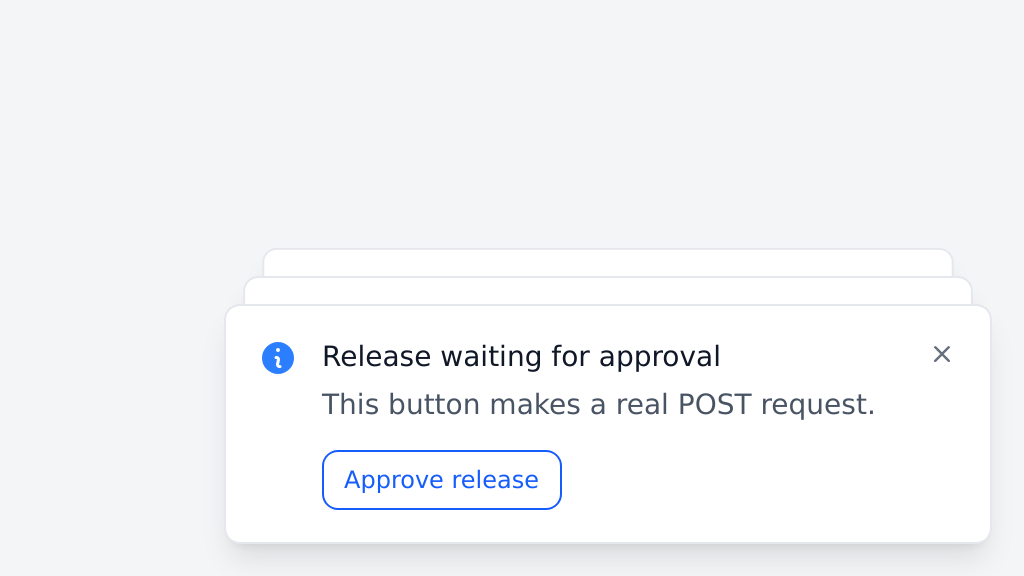
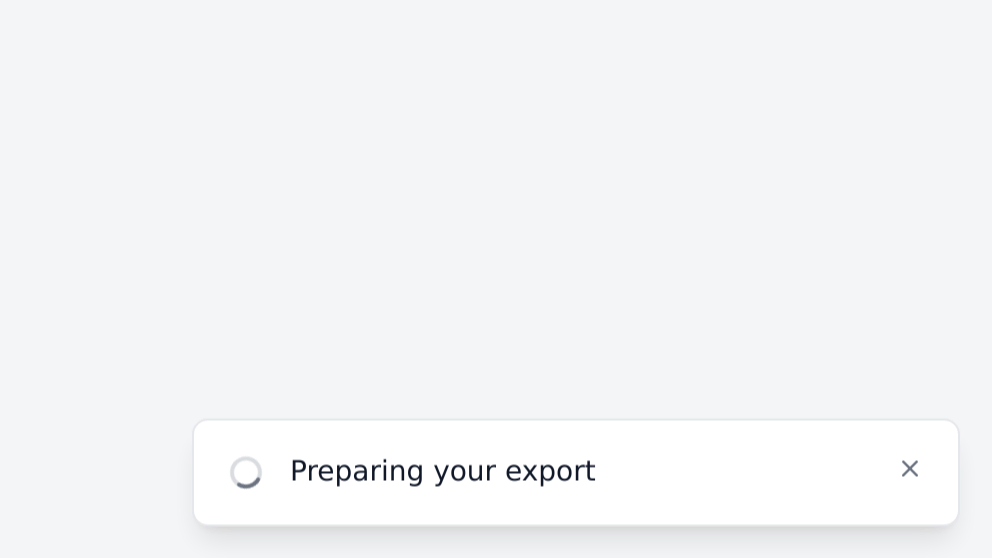
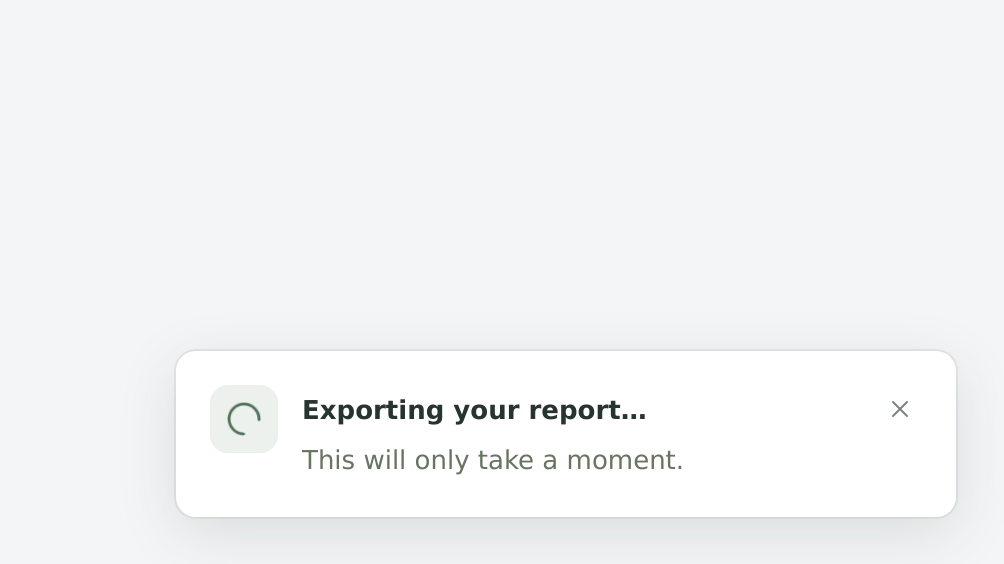
- Showing toasts and notifications, fired from PHP or Vue, with support for different types, loading states, optional action buttons, and several stacking neatly at once.
- An unread indicator with a dropdown of recent notifications, shown on every page and kept up to date as users move around the app.
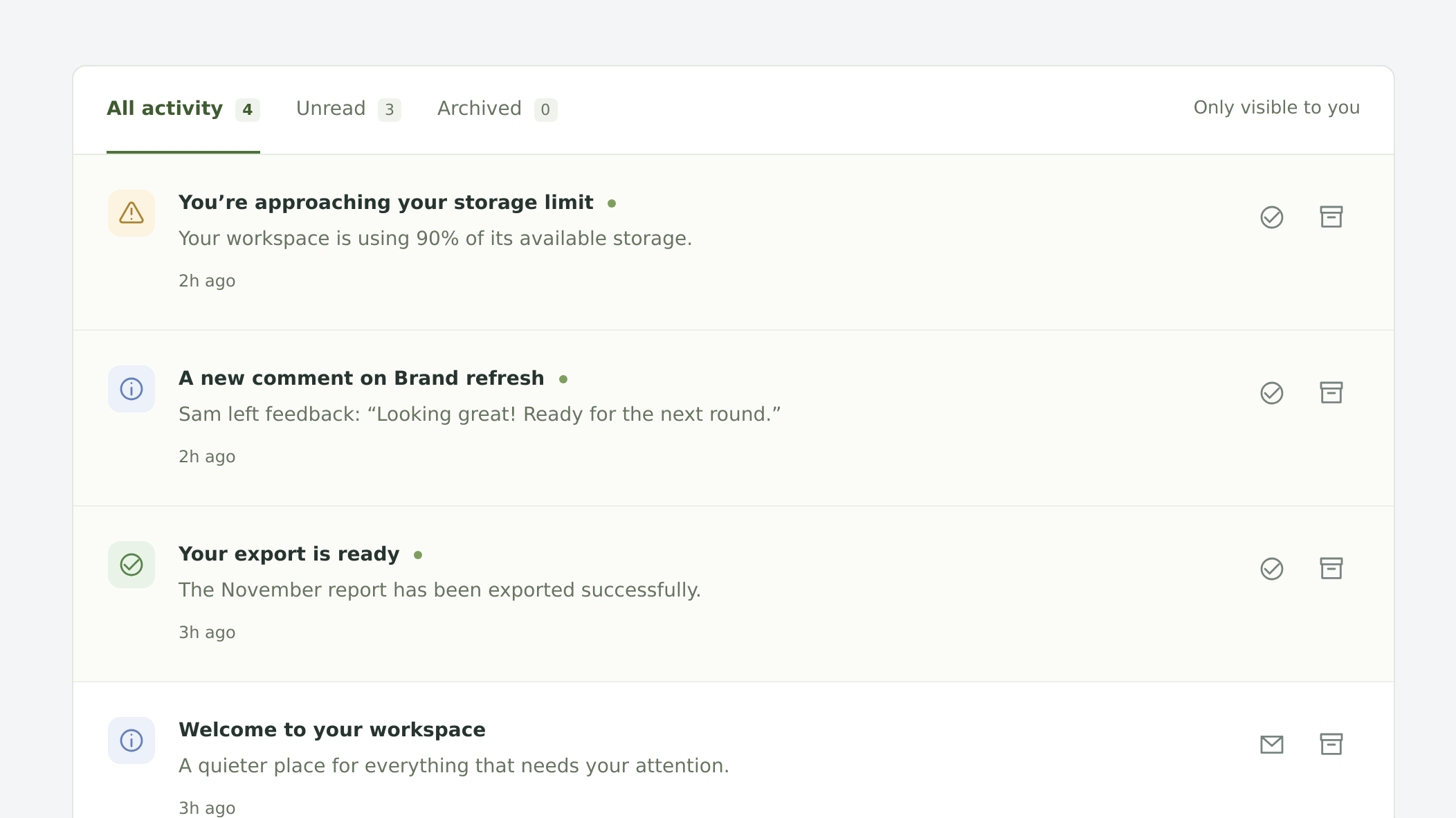
- A standalone inbox page where users can view and manage their notifications.
- Authorisation, so users only ever see and change their own notifications.
Between them, that meant backend code, frontend components, and the plumbing connecting the two.
To get the ball rolling, I started with the package, which I installed and configured with an agent. I then tested it out before writing the specs for the AI builds.
Writing the specs
I started with a basic spec and gave it to two different models, Codex (gpt-6.1-sol, medium reasoning) and Claude (Sonnet 5.5), to rule out shortcomings with any particular model. Claude did the better job, so I then put together a more detailed spec, with AI’s help, and gave that to Claude too. I spent about 20 minutes reviewing each build.
| What it was given | Starting point | Model | |
|---|---|---|---|
| Basic spec, Codex | The basic spec, written off the top of my head | Blank app | Codex |
| Basic spec, Claude | The basic spec, written off the top of my head | Blank app | Claude |
| Detailed spec | A more detailed spec with some basic architecture and interaction details, plus a UI library (Reka UI) for the primitives | Blank app + Reka UI | Claude |
For every build, the package included, I then had agents take screenshots of the details I’d noticed, and had them collect metrics such as timings and line counts. These are all covered in the conclusion.
The builds
The package
Setting up Inertia UI Notifications was pretty straightforward, helped by the fact I was only using part of it. I had my agent do it, and roughly speaking it involved:
-
Installing the package.
composer require inertiaui/notifications npm install @inertiaui/notifications-vue php artisan inertia-notifications:install php artisan migrate -
Loading its styles.
@import '@inertiaui/notifications-vue/theme.css'; @source '../../node_modules/@inertiaui/notifications-vue/dist'; -
Hooking up the frontend.
initNotifications({ ... }) -
Adding a trait to the user model.
use InertiaUI\Notifications\Concerns\HasInbox; class User extends Authenticatable { use HasInbox, Notifiable; } -
Registering its routes, plus one for the inbox page.
use Inertia\Inertia; use InertiaUI\Notifications\Inbox; Route::inertiaNotifications(); Route::get('/notifications', fn () => Inertia::render('Notifications', Inbox::page())); -
Adding its Vue components (it supports React too) to the app’s layout and inbox page.
<!-- Layouts/AppLayout.vue -->
<NotificationCenter href="/notifications" />
<Toaster />

<!-- Pages/Notifications.vue -->
<NotificationList data="notifications" />
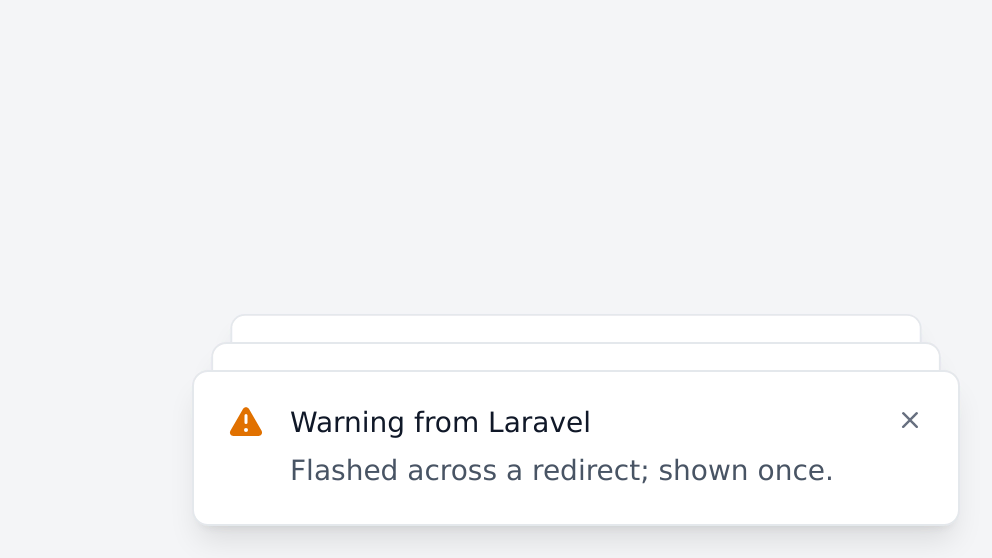
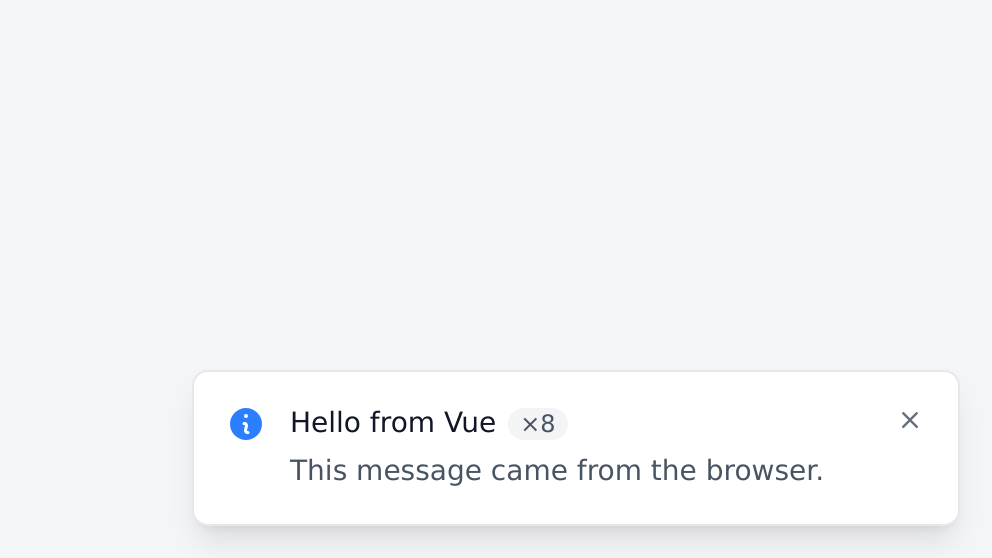
That only took a few minutes (under 10 including a demo page and tests), and this was the result:
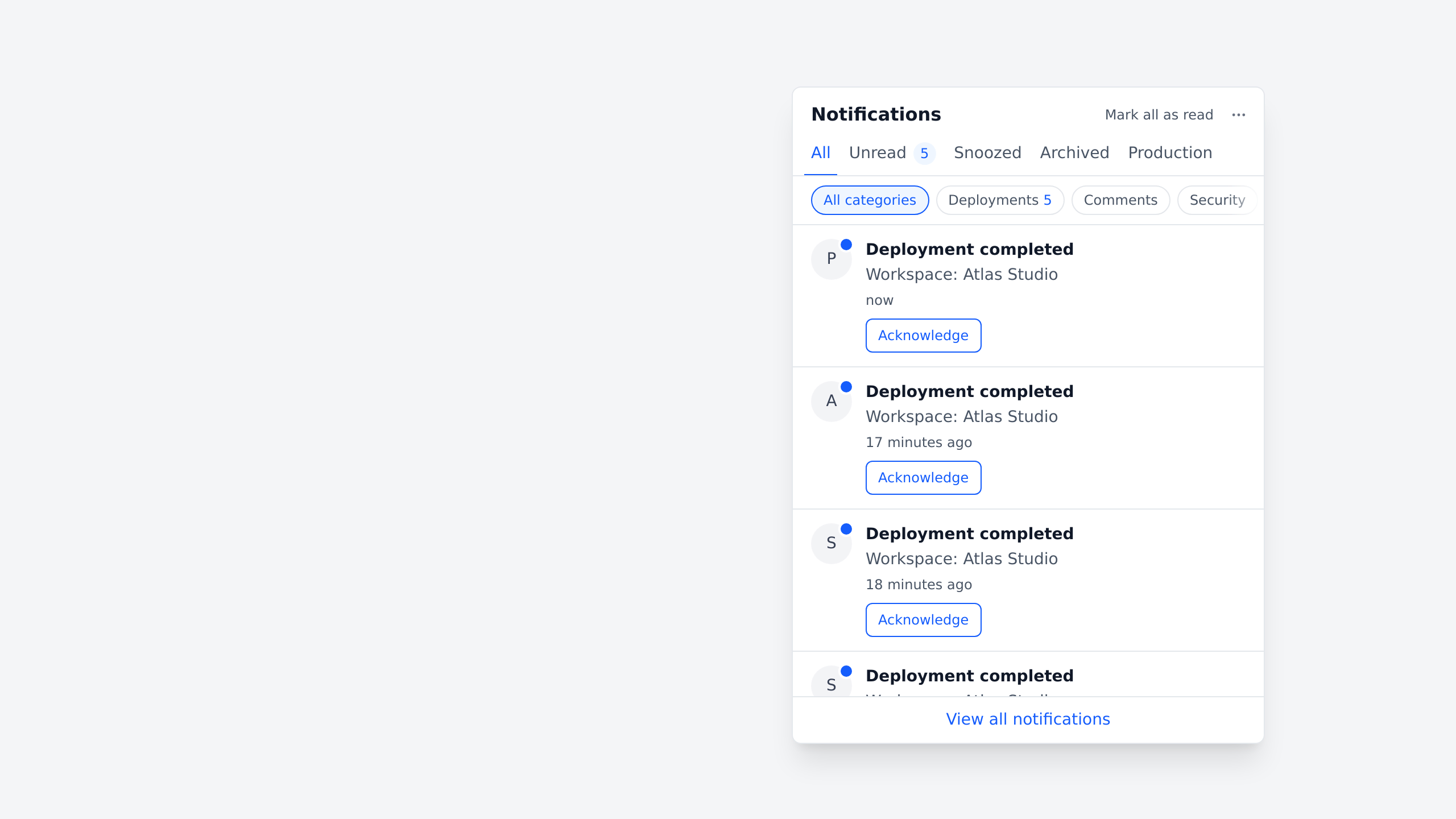
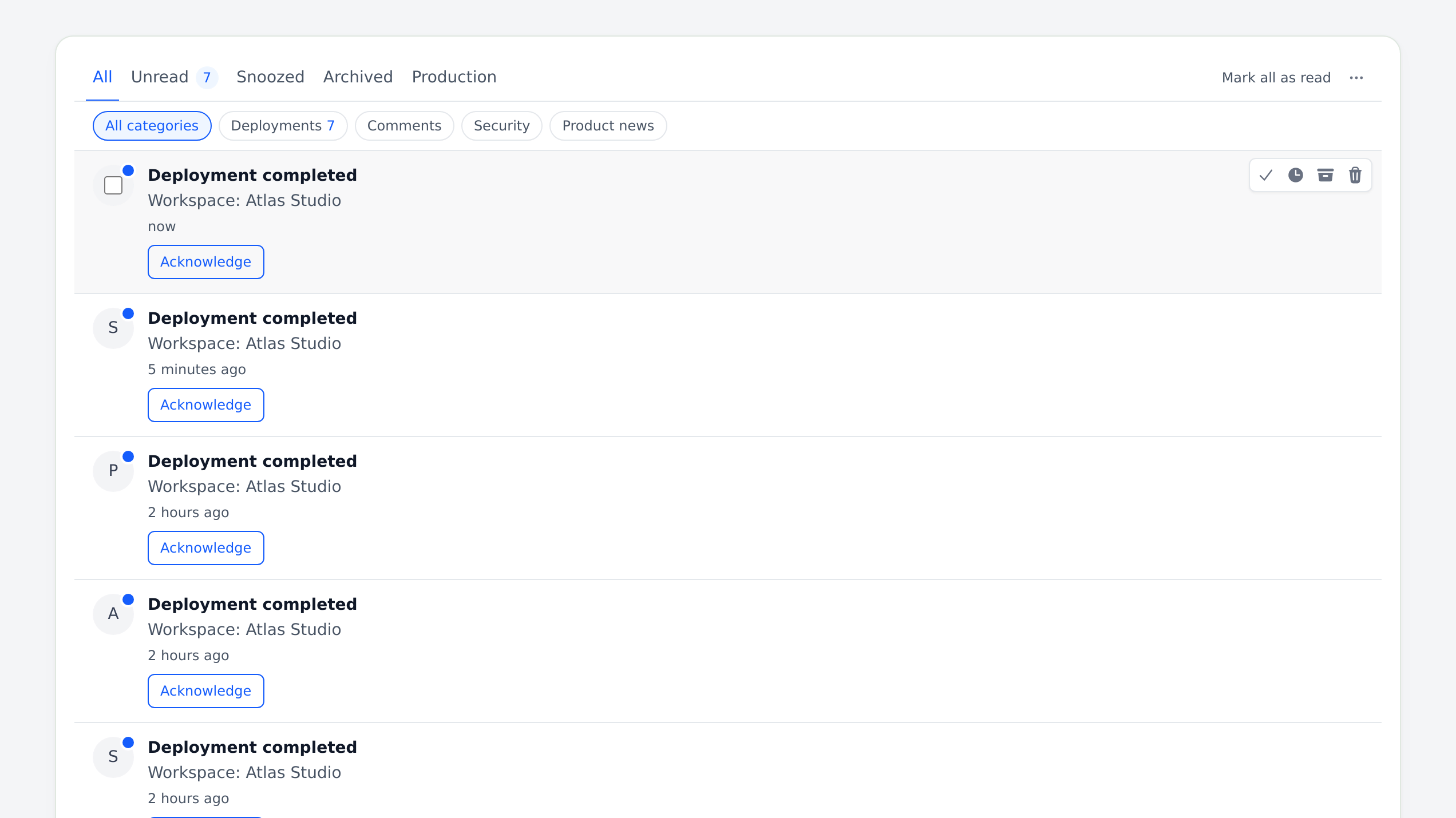
Once it’s set up, using it looks like this.
1. Show a toast to the current user. Flash it before a redirect and it shows on the next page:
Toast::success('Profile saved')->flash();
return back();
2. Define an inbox notification. This is a normal Laravel notification class. toInbox() returns an InboxMessage, the inbox version of the notification, the same way toMail() returns a MailMessage:
class DeploymentCompleted extends Notification
{
    public function via(object $notifiable): array
    {
        return ['inbox'];
    }

    public function toInbox(object $notifiable): InboxMessage
    {
        return InboxMessage::make('Deployment completed')
            ->body('The production release is ready.')
            ->category('deployments')
            ->toast();
    }
}
3. Send it to a user. It goes into their inbox, and ->toast() shows it as a toast too:
$user->notify(new DeploymentCompleted);AI attempt 1: Basic spec, Codex
The basic spec is the type of thing you can write off the top of your head. It asks for the general features, such as toasts that stack neatly and survive navigation, an unread indicator with a dropdown, and a full inbox page, without going into details like how to handle repeated messages or a pile-up of toasts, or what kind of architecture to use.
Codex ran for 9m36s. It added no dependencies, built on Laravel’s database notifications, and came back with 7 PHP tests (118 assertions) and 6 JavaScript tests covering the feature.
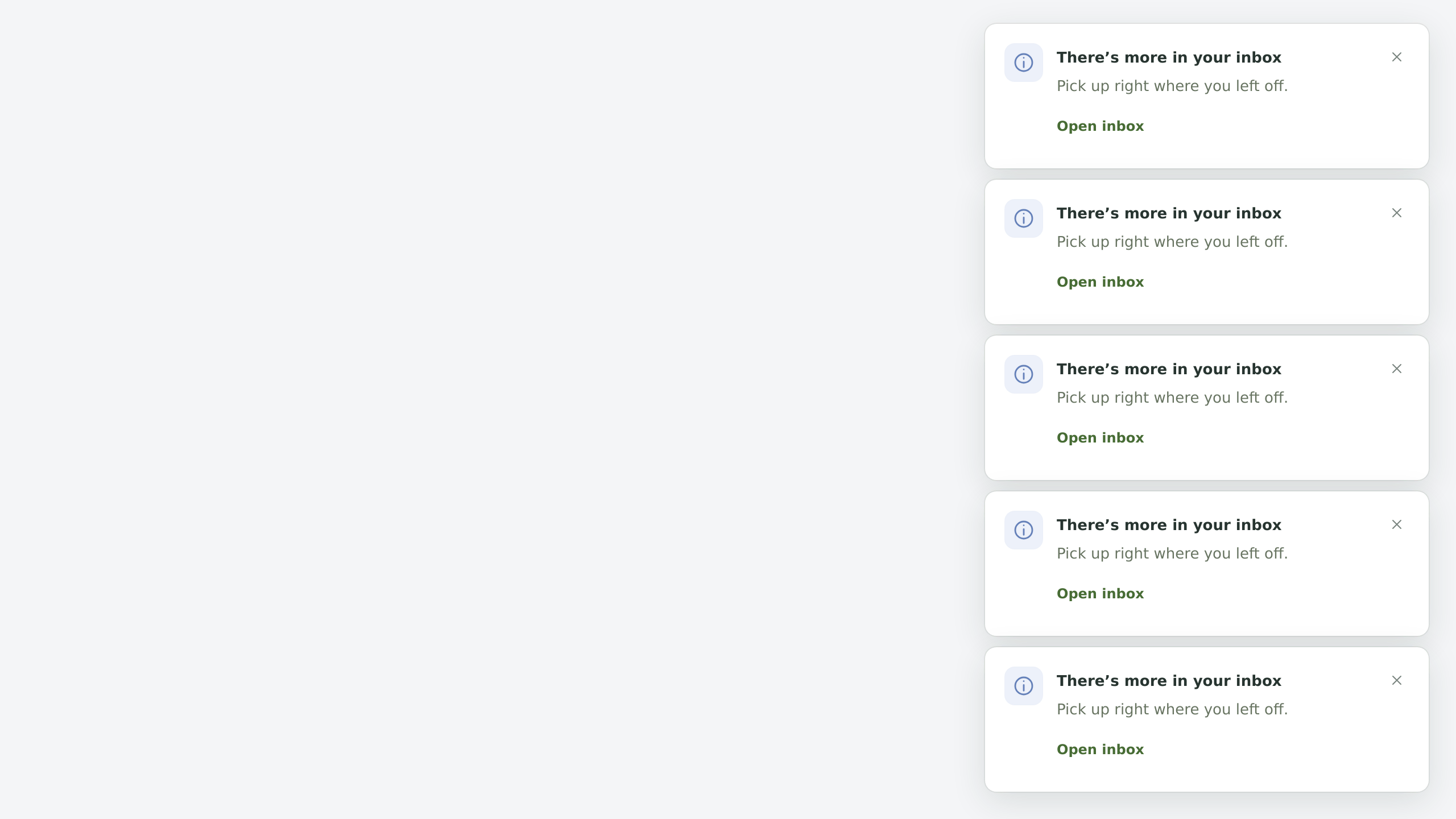
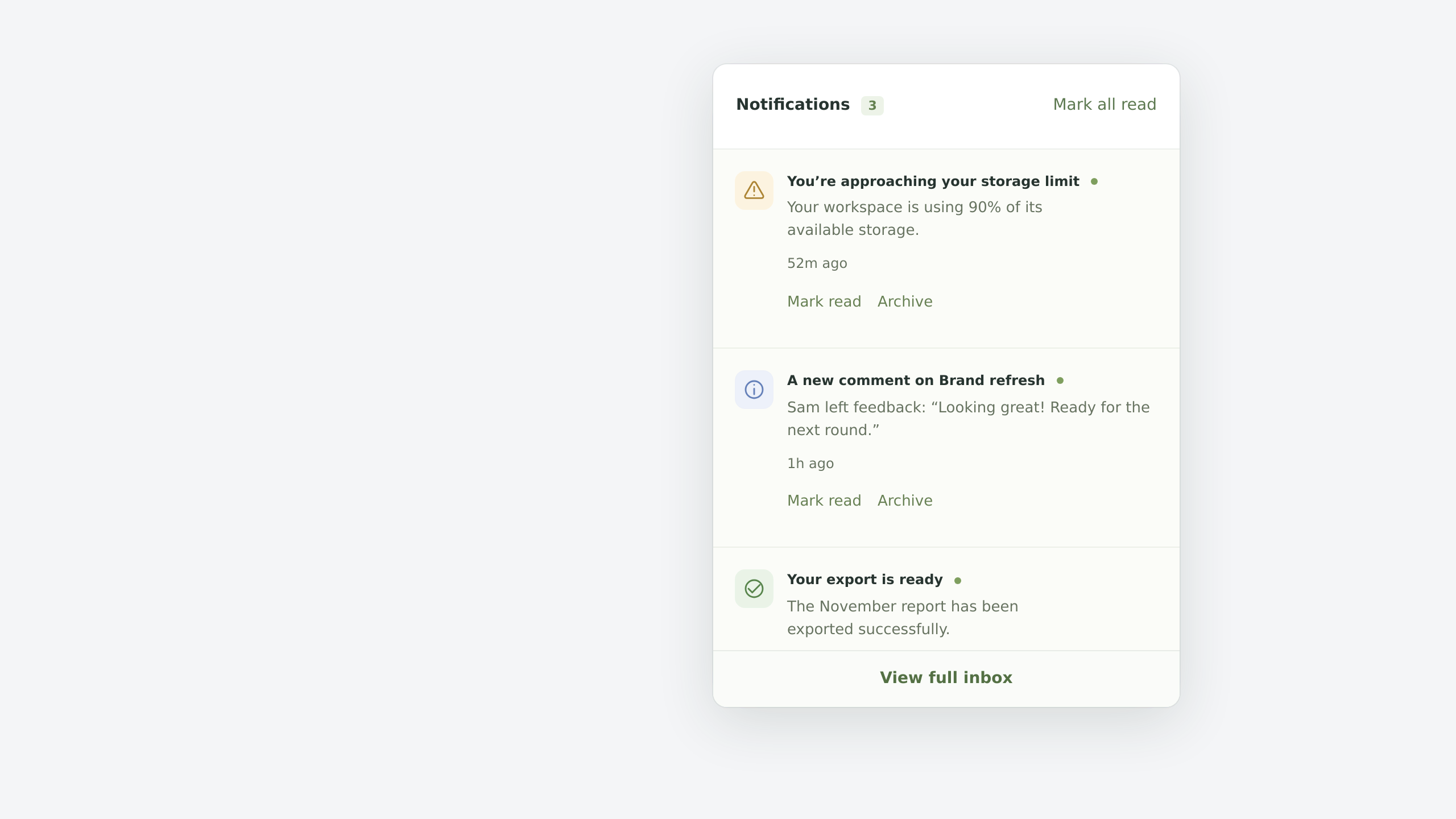
UI-wise, it doesn’t look terrible, but next to the package you can tell straight away that it’s less polished and professional.
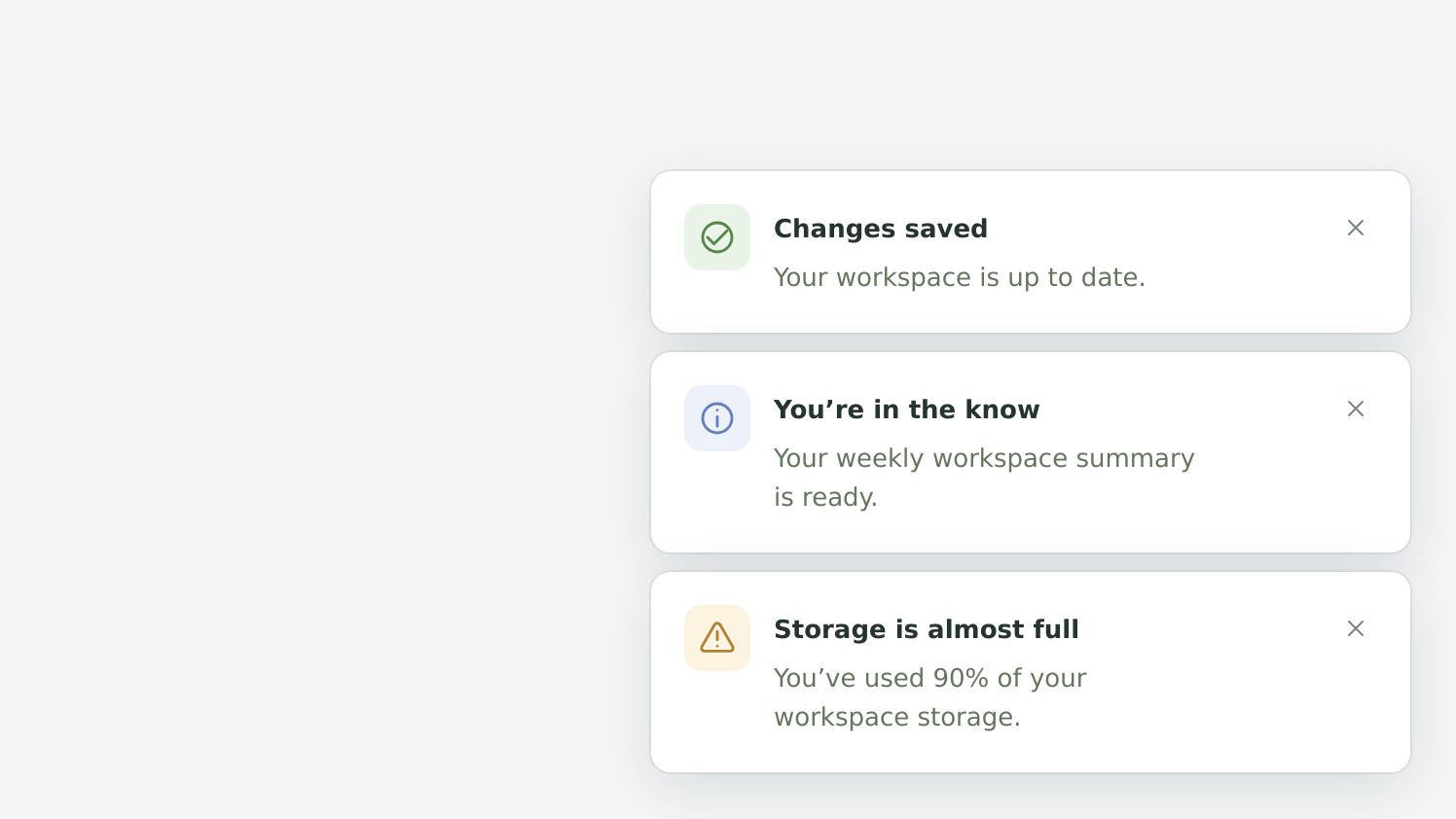
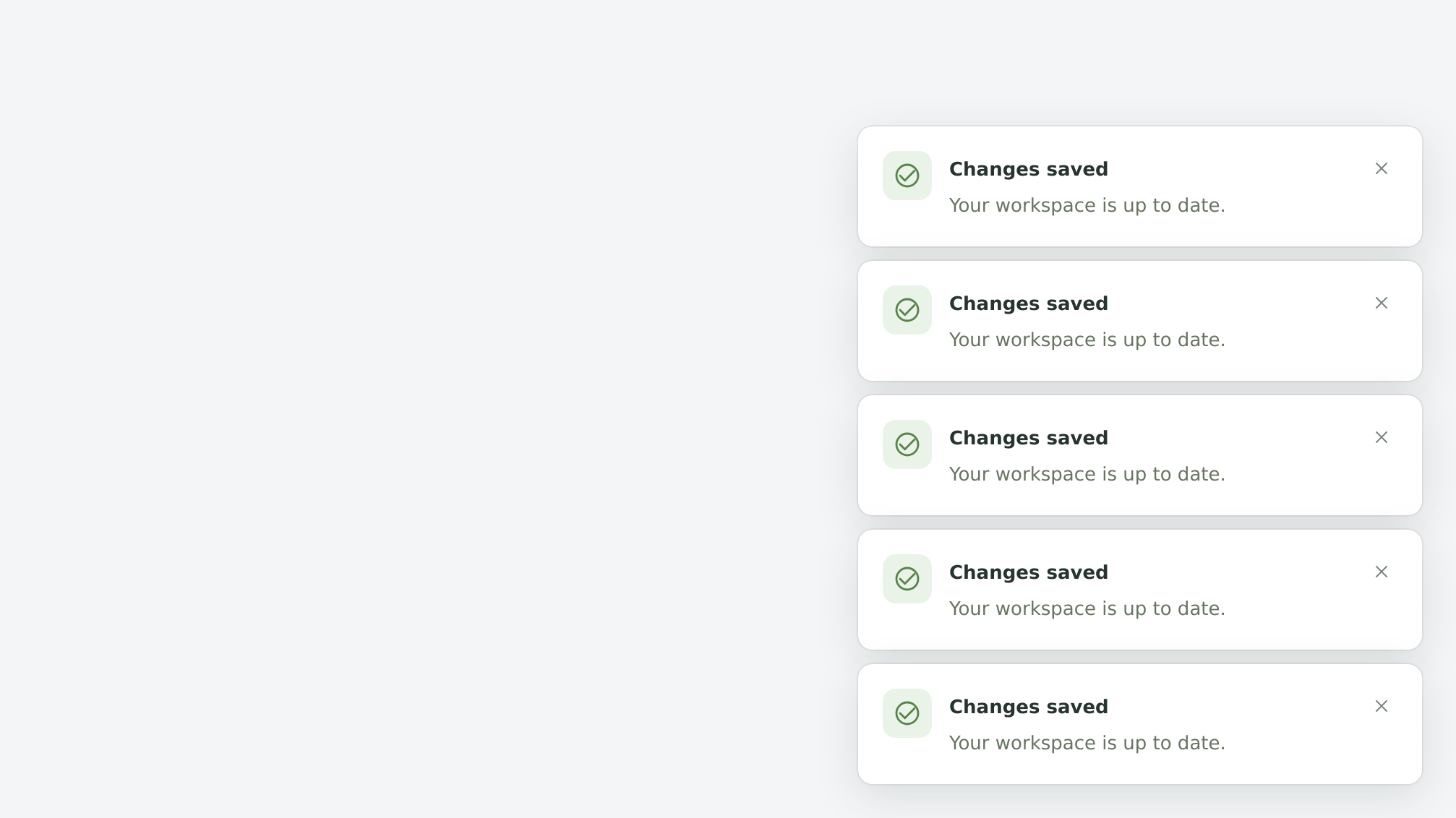
I spent about 20 minutes reviewing it, and this is where it fell short:
-
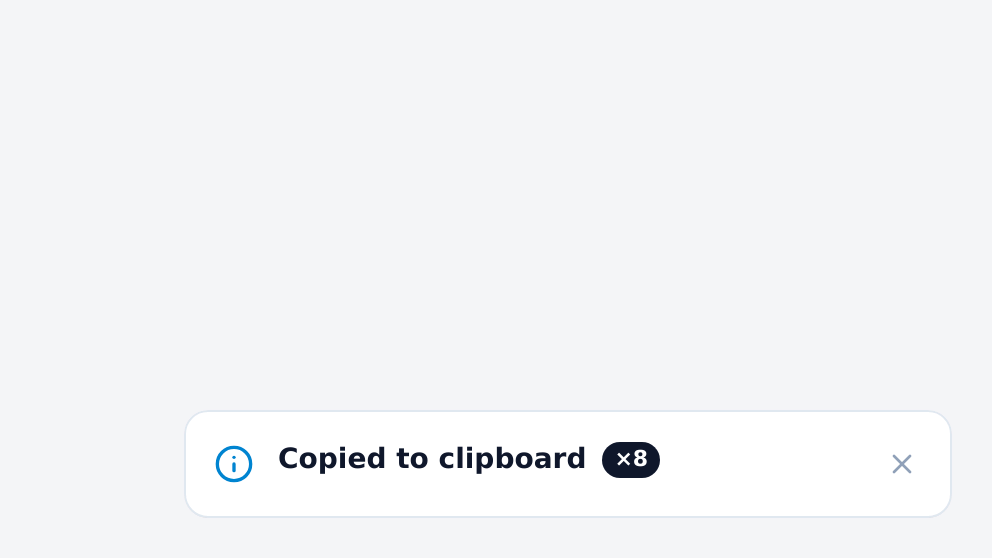
Toasts go missing. The store holds five and drops the oldest when a sixth arrives. Send eight identical messages and you get five separate toasts, with the first three gone. The package handles this more gracefully: identical toasts collapse into one with a ×8 counter, and once five are showing, new ones wait in a queue instead of pushing old ones out.
-
Action toasts get dropped too. The cap doesn’t care whether a toast has a button on it, so a burst of eight loses three toasts the user was meant to act on.
-
No stack. Toasts sit in a plain column, which quickly eats up screen space. There’s nothing tucked behind the front one and nothing expands on hover.
-
The inbox is slow with a lot of data. It doesn’t add any indexes that suit the inbox’s queries, so the database ends up working through every user’s notifications. With 100,000 notifications in the database, an inbox request took 85 to 106 ms, against 23 to 29 ms for the package. That’s much the same whichever tab you’re on, so it makes little difference how many have been read or archived.
-
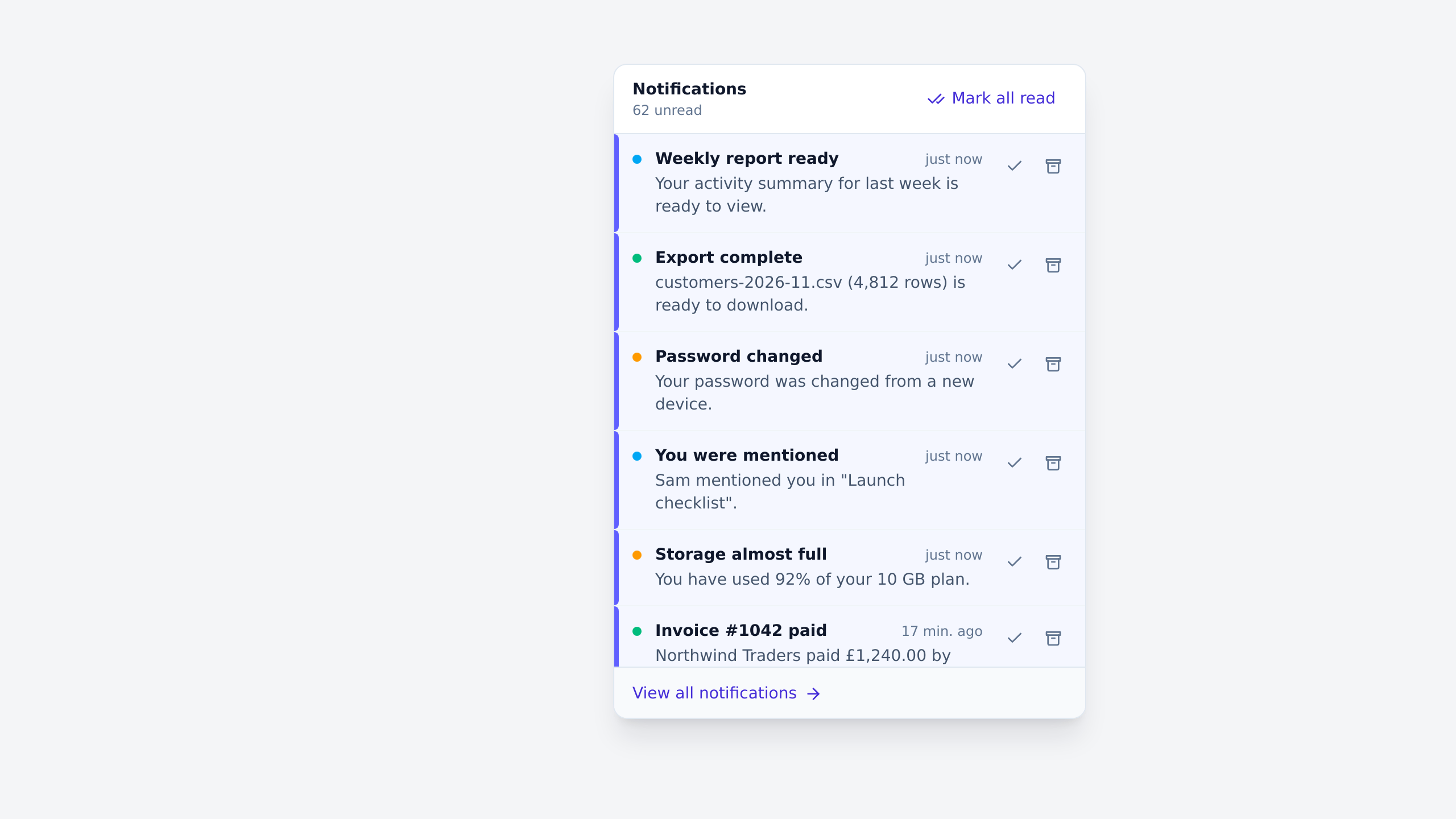
Inefficient loading. Every page loads three counts and the latest five notifications. The package sends just the counts with each page and lazy loads the list when you open the dropdown. For live updates, it polls a small counts-only endpoint if you turn polling on, or uses broadcasting so there’s no polling at all.
-
No real structure. Everything lives in one controller. That includes validation, the inbox queries, data transformation (in a static method the middleware also calls) and the read and archive updates. There’s no notification model, Form Request or Resource.
Here’s how it marks a notification read or archived:
public function update(Request $request, string $id)
{
    $data = $request->validate(['operation' => 'required|in:read,unread,archive,restore']);
    $notification = $request->user()->notifications()->findOrFail($id);
    $changes = match ($data['operation']) {
        'read' => ['read_at' => now()], 'unread' => ['read_at' => null],
        'archive' => ['archived_at' => now()], 'restore' => ['archived_at' => null],
    };
    $notification->forceFill($changes)->save();

    return back();
}
It works, and at this size it’s fine. But every new state or filter lands in the same place, and I’d want that split out before building on it.
-
Toasts are arbitrary arrays. There’s no helper or
Toastclass with a fixed set of fields, so flashing a toast means building an array by hand, ID included, and a second toast in the same request overwrites the first:return back()->with('toast', ['id' => (string) Str::uuid(), 'type' => 'success', 'title' => 'Profile saved']);That might look like nitpicking, but wait until it’s fired from dozens of places, each with slight variations. Nothing tells you which keys exist, which are required or what values
typeaccepts, so you end up reading the frontend to find out. Mistakes fail quietly, too. Misspell a key or leave one out and you get unpredictable results on the frontend. The package’sToast::success('Profile saved')->flash()gives you all of that in a method your IDE can autocomplete. -
One generic notification class. Every inbox notification is a
WorkspaceNotificationwith a title, description and type, so the wording is written out wherever you send it. Send the same message from three places and you’ve got three copies to keep in step, and there’s no class to hang anything specific to that message on, like extra data, an action or an email version later. There’s also no way to show it as a toast as well.
AI attempt 2: Basic spec, Claude
Next up was Claude, with exactly the same spec. It ran for 8m54s. Like Codex, it added no dependencies and built on Laravel’s database notifications, and it came back with 17 PHP tests (183 assertions) covering the feature.
UI-wise, it’s a similar story to Codex’s: not bad, but clearly less polished than the package. The code is plain, readable Tailwind and much smaller, at 1,098 lines against Codex’s 1,858.
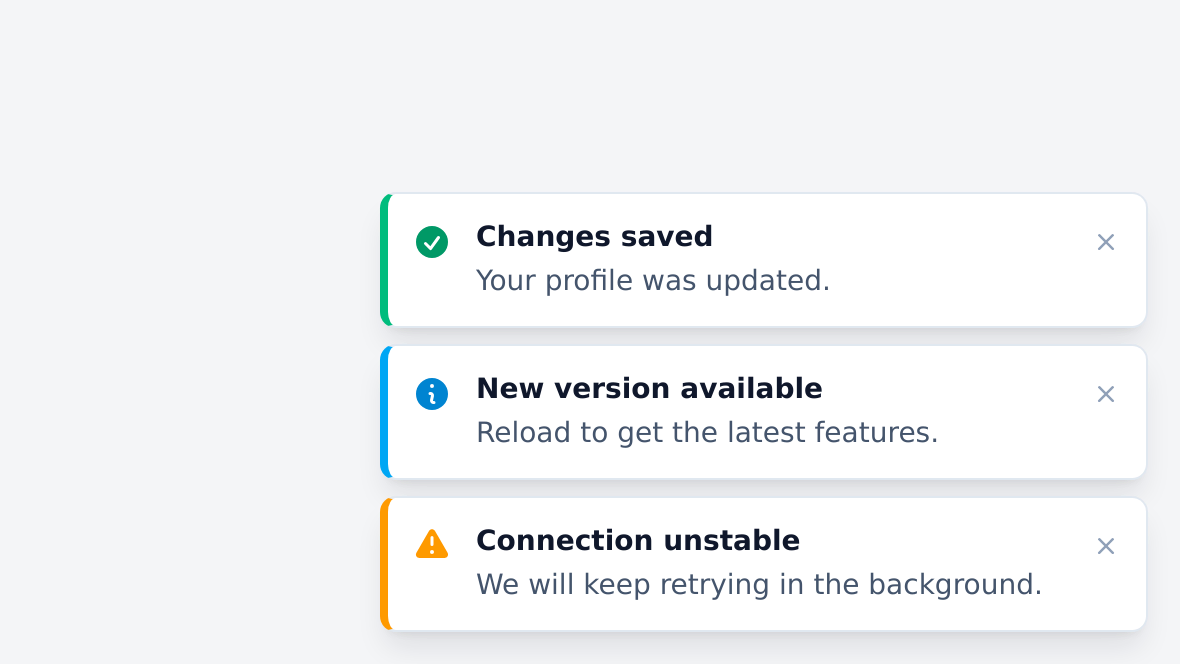
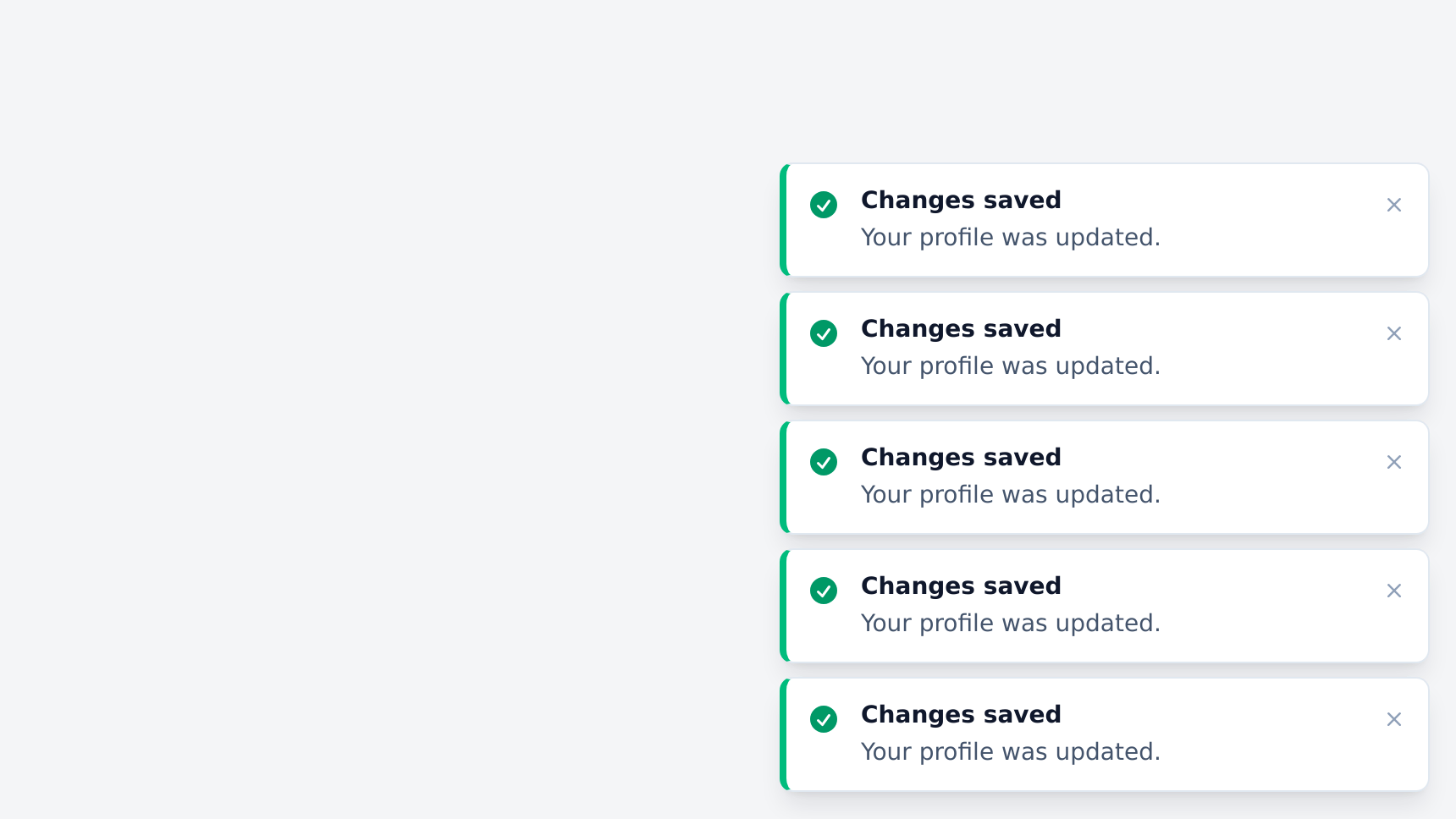
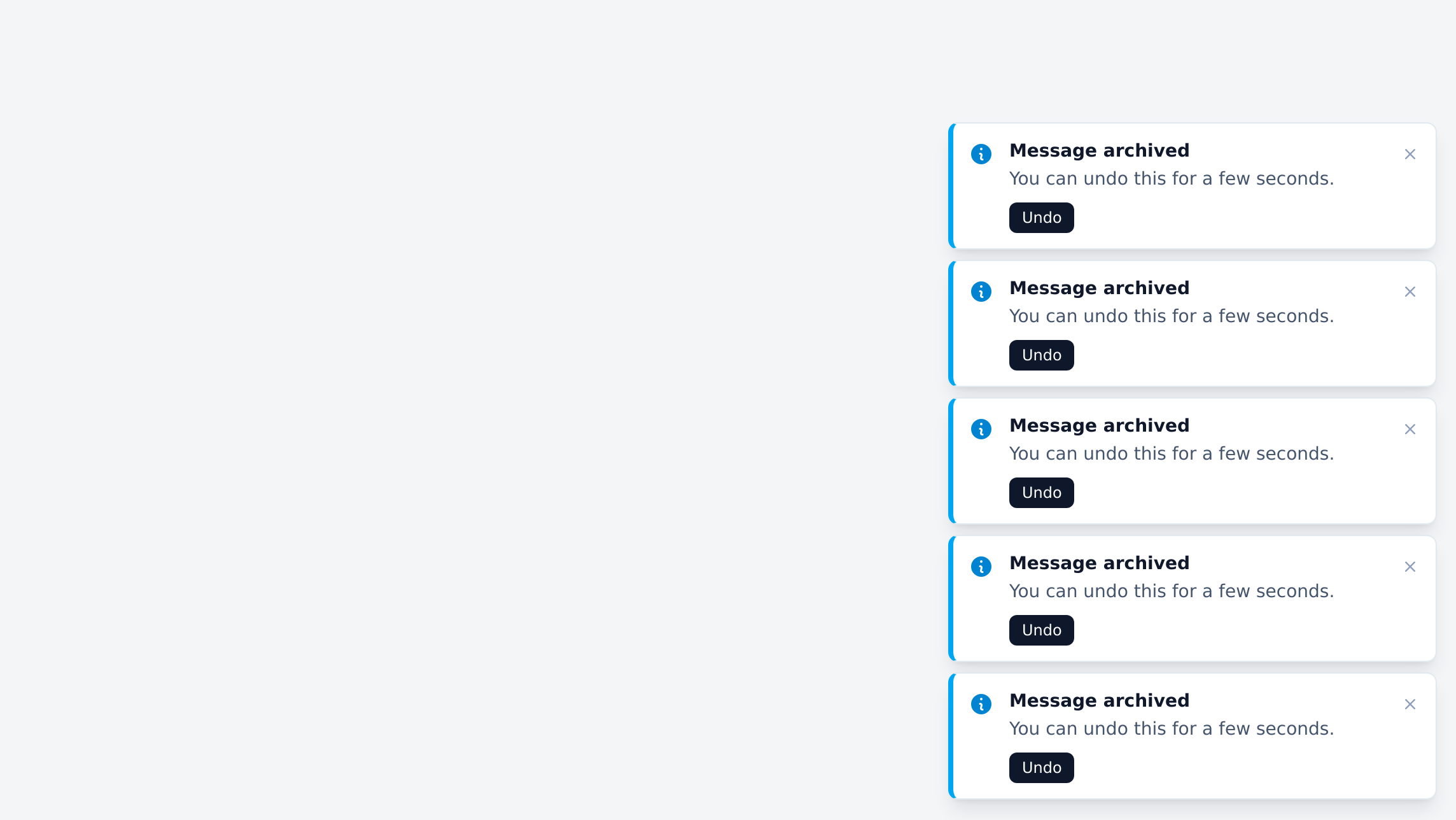
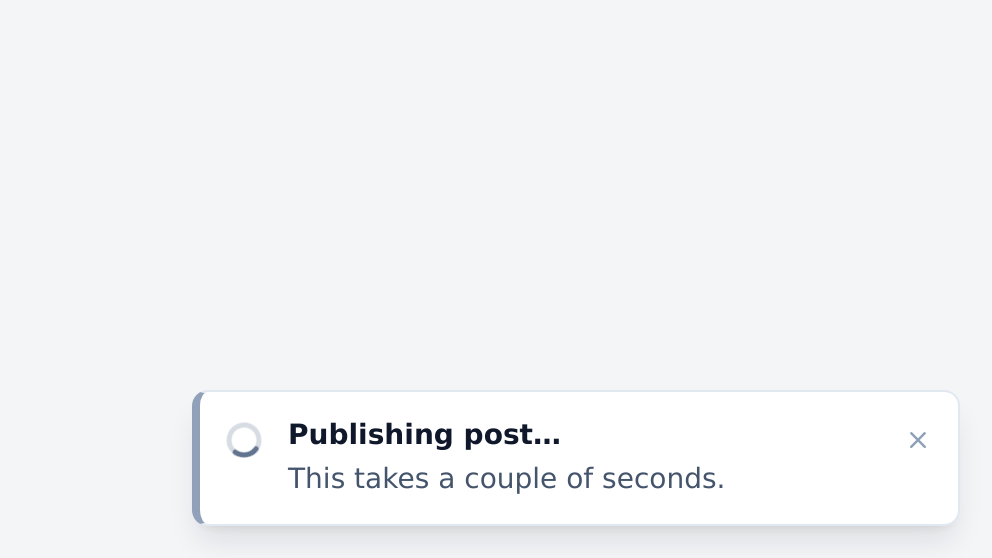
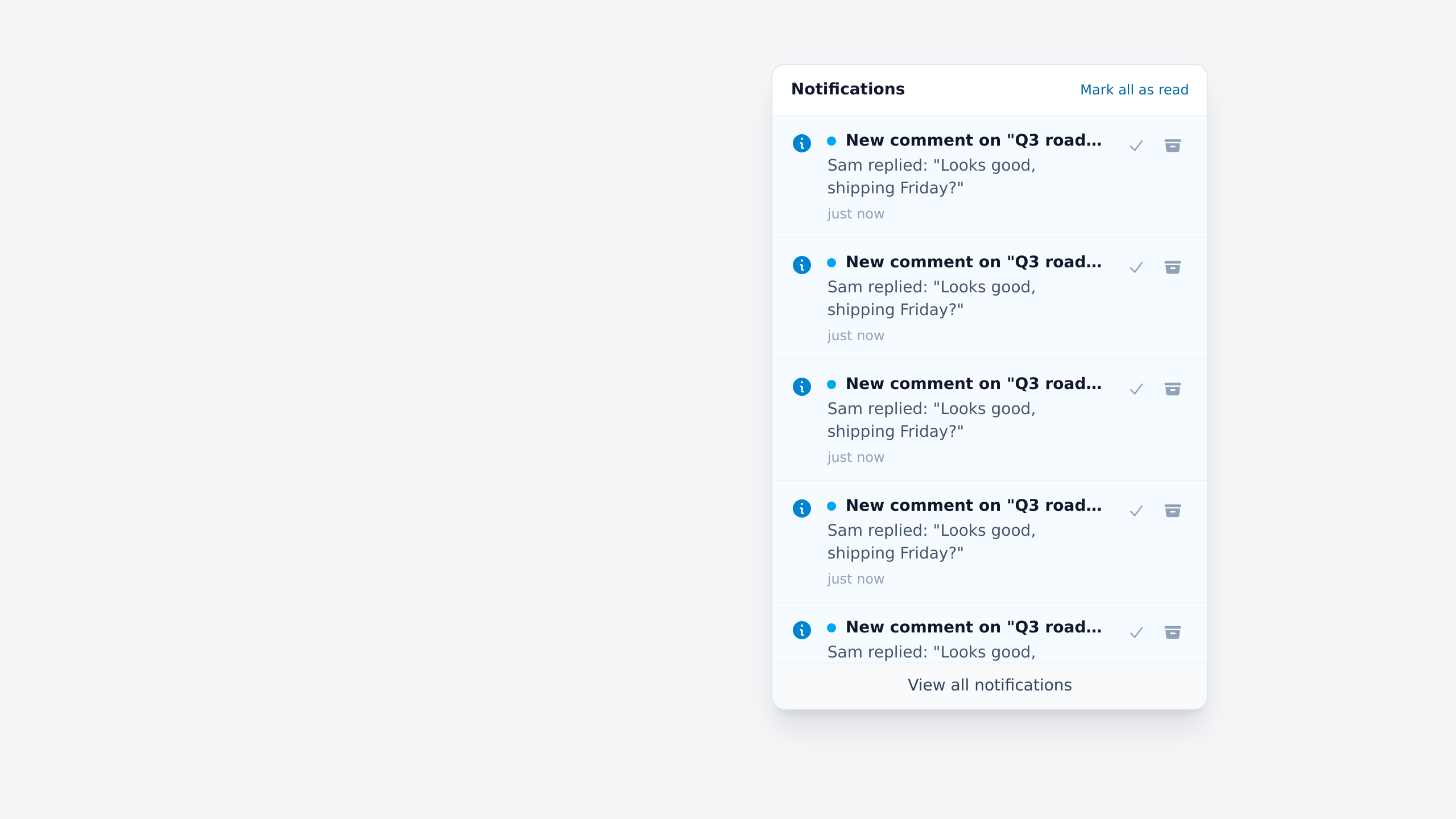
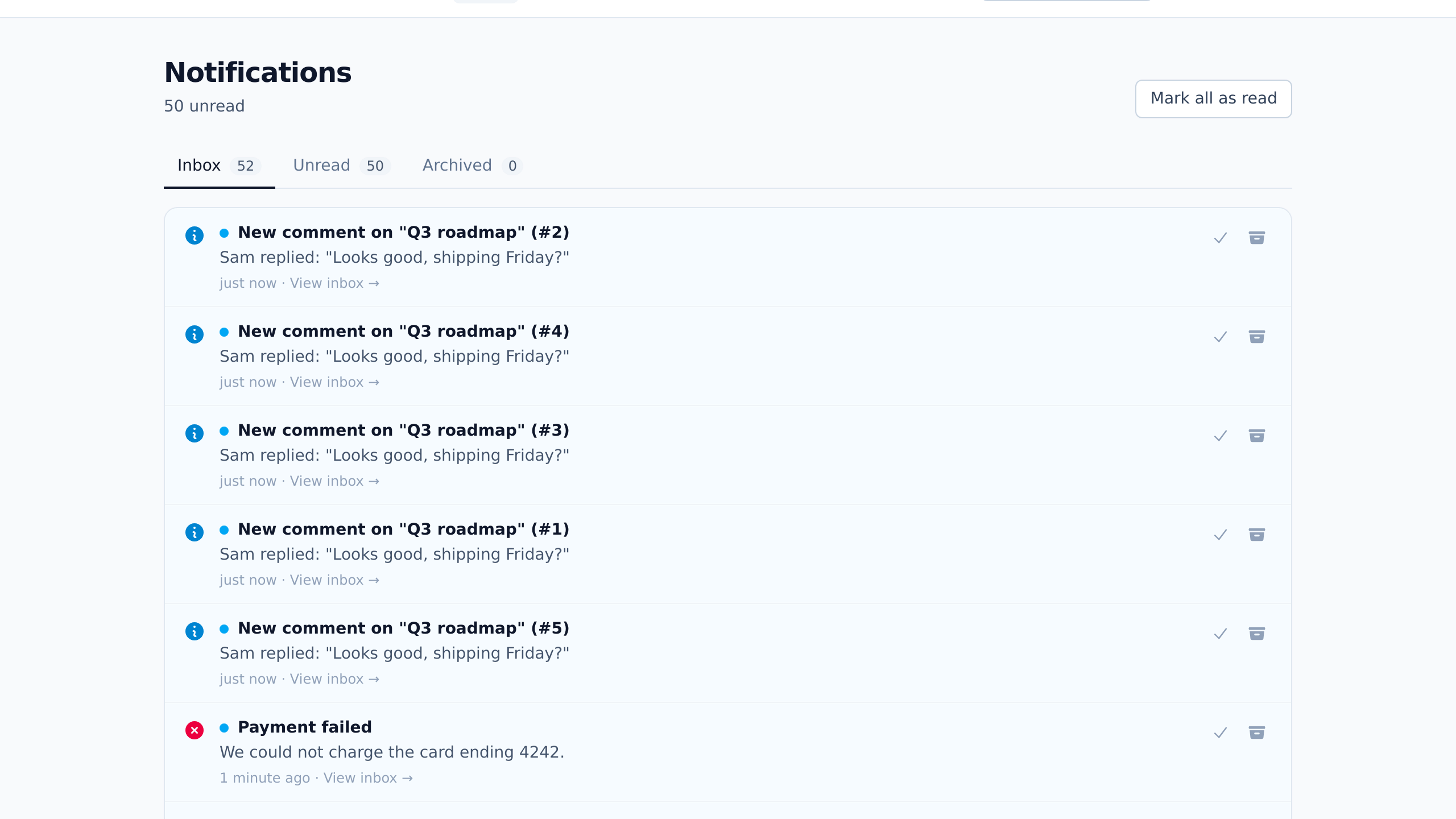
The result was better on the code side, but still had some shortcomings. The code has at least some structure to build from, with a notification model, a controller with one small method per action, and a Toast class, so flashing a toast is Toast::success('Profile saved'), with a unique ID added behind the scenes. It also got the inbox query right, adding an index on the user and the archived and read columns, so the same 100,000-notification test took 15 to 22 ms, a little faster than the package. But the toasts had the same gaps as Codex’s, plus a few of their own:
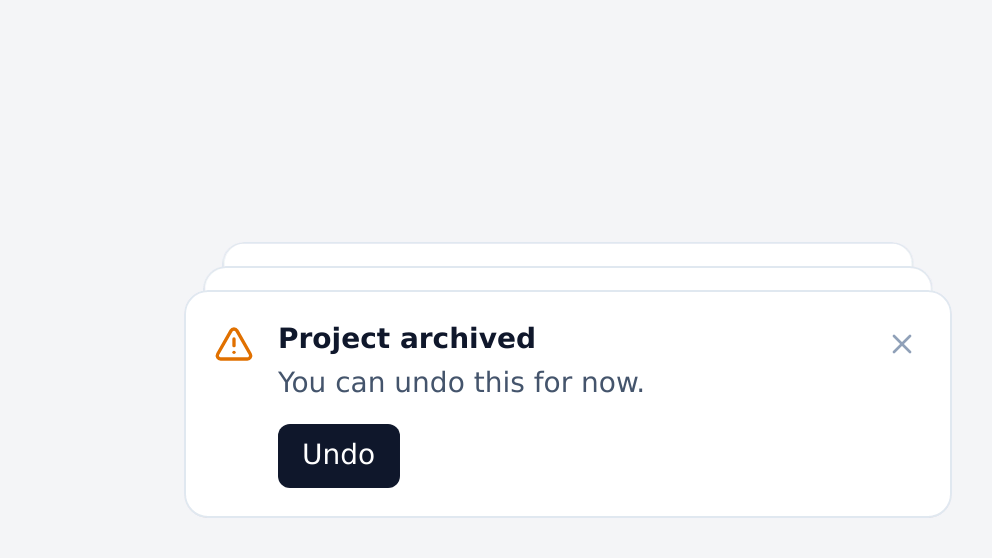
- Toasts go missing here too. Like Codex’s, it only shows five at once and drops the oldest when a sixth arrives, even if it has an action button. Identical messages don’t collapse into one, and the toasts sit in a plain column rather than a stack.
- No feedback on actions. Pressing a toast’s button runs the action and closes the toast straight away, with no loading or success state, so you can’t tell whether it worked.
- Keyboard focus is lost after an action. The toast closes and takes the button you just pressed with it, so focus jumps back to the top of the page.
- Toasts are hard to reach by keyboard. It took 24 presses of Tab to get from the top of the page to a toast.
- It ignores reduced motion. The animations play even if you’ve asked your device to cut them down.
- Inefficient loading, plus polling. Like Codex’s, every page loads the unread count and the latest six notifications, and this one fetches both again every 15 seconds on top of that.
- One generic notification class. Like Codex’s, every inbox notification goes through the same class, and there’s no way for one to show as a toast as well.
- Titles get cut off in the dropdown.
All in all, both basic builds produced something workable in a short amount of time. Neither is something you could ship to production without a fair bit of iteration though.
AI attempt 3: Detailed spec, Claude
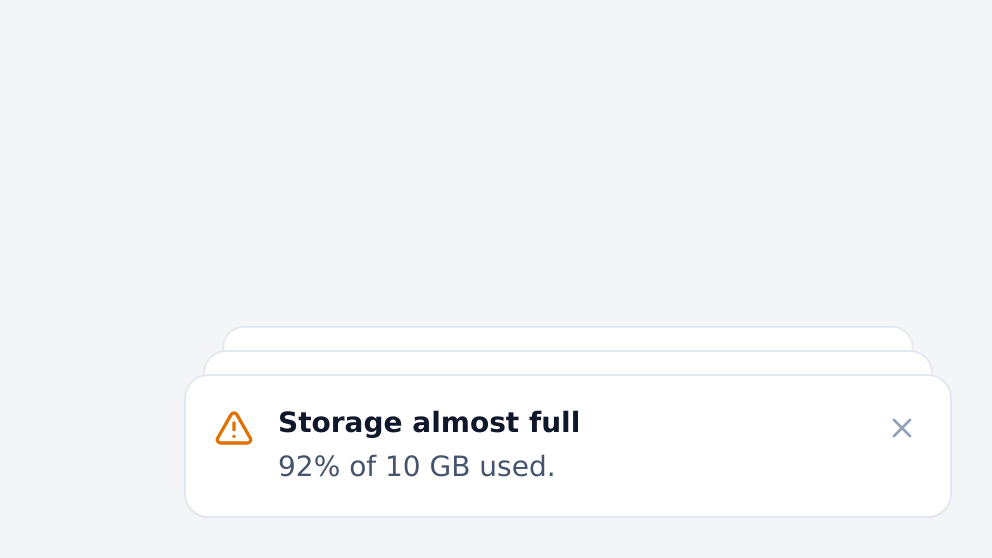
For the third attempt, I wanted to try something different. With a more detailed feature description and some guidance on architecture, could AI reach parity with the package? I generated the detailed spec with AI, using the package as a guide and keeping an eye on what went in. That’s roughly what you’d do if you were replacing a package anyway. It describes the features in much more detail than the basic spec. For instance, rather than just asking for toasts that stack, it asks for one in front with the rest tucked behind, expanding on hover. It also gives guidance on architecture, such as where state changes and queries should live, and suggests Reka UI for the accessible building blocks.
Claude took 13m21s from one prompt. It came back with 30 PHP tests (174 assertions) and 30 Vitest tests for the toast logic, and it checked itself in a browser along the way.
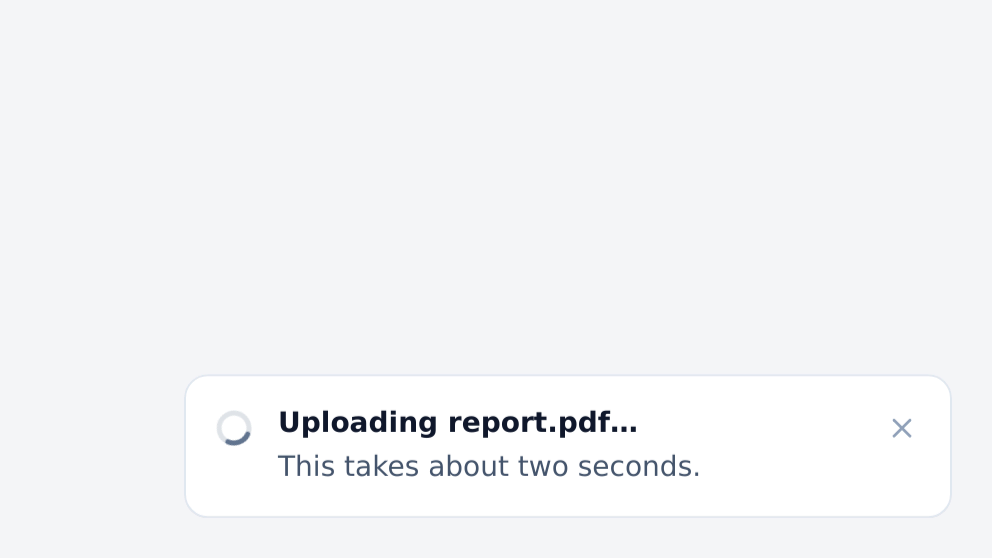
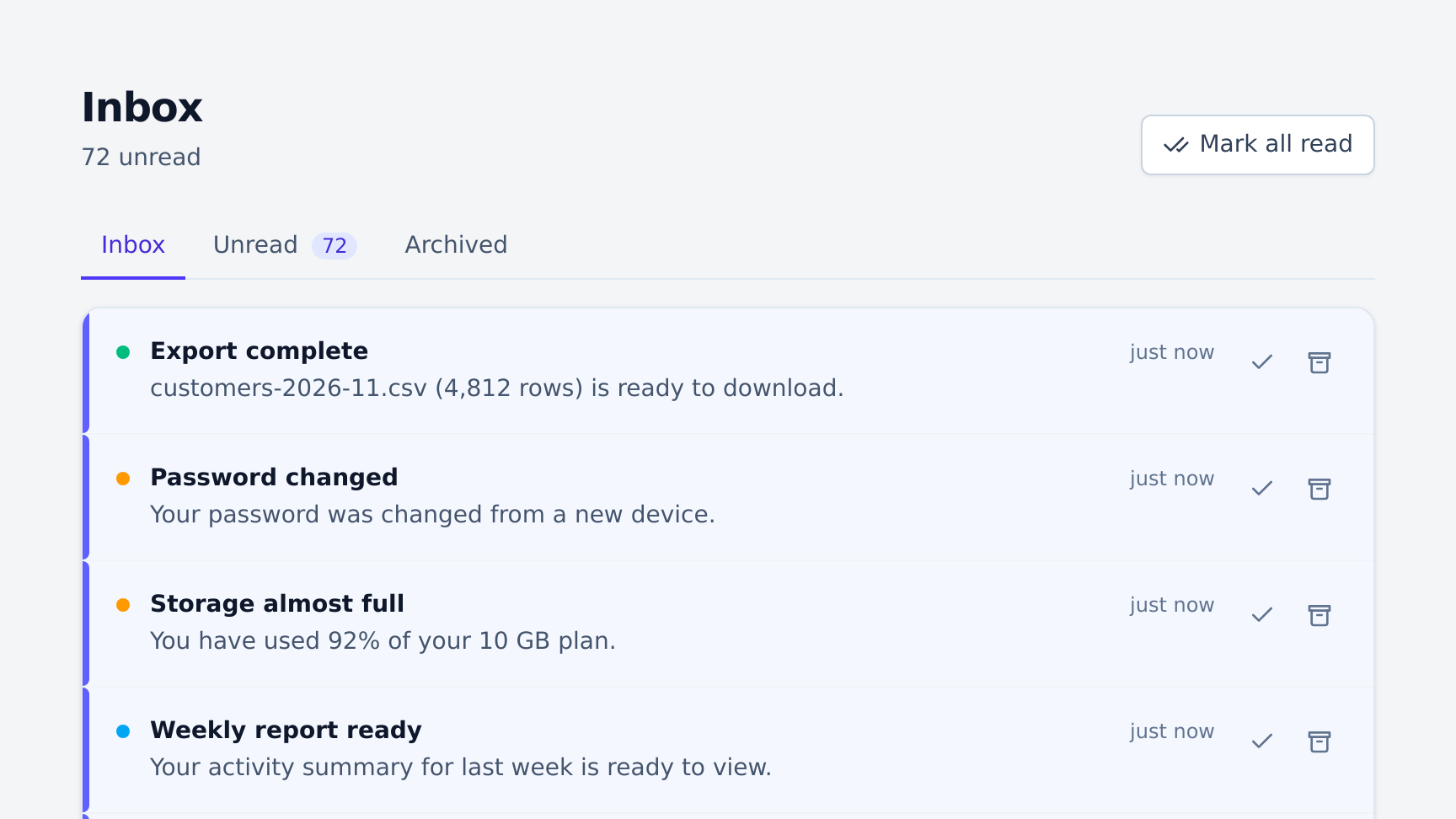
The outcome was pretty good. The UX is much closer to the package’s, with identical messages collapsing into one, and action toasts stacking behind one another and fanning out on hover. The code is better structured too, with separate layers for validation, queries and data transformation, so the controller is just a few lines that hand off to them.
The code changed as much as the UI. Here’s its list endpoint:
public function index(ListNotificationsRequest $request): AnonymousResourceCollection
{
    $inbox = InboxQuery::for($request->user());
    $view = $request->view();

    return NotificationResource::collection($inbox->paginate($view, $request->perPage(), $request->cursor()))
        ->additional(['meta' => [
            'view' => $view->value,
            'unread_count' => $inbox->unreadCount(),
        ]]);
}
Validation lives in the Form Request, the filters live in one query object, and the Resource decides what the frontend sees. The state changes are one-liners on the model, like fn (Notification $n) => $n->archive(). That’s the structure I’d have asked for in a code review of the basic builds, and this time it was there from the start.
It was also the best performing of the bunch. With 100,000 notifications in the database, its inbox request took between 1 and 6 ms, against 23 to 29 ms for the package. That’s mostly down to cursor pagination plus indexes that match the queries.
As expected though, it still had some rough edges:
- Inbox UI. The inbox is a big step up from the basic builds, with compact rows and labelled icon buttons, but there’s no spacing or clear separation between messages, so a run of unread ones merges into one tinted block that’s hard to make sense of. The status is indicated by a dot, filled and coloured by type when unread and hollow when read, which reads more as active or inactive than unread or read. The package keeps every row white and marks unread with a single blue dot, which stands out more.
- The Unread tab goes stale. Items you’ve just read stay there until you reload.
- Focus is lost after an action. Like the Claude basic build, pressing a toast’s action removes the button while it still has focus, so keyboard focus drops back to the top of the page.
- Toasts can get stuck. A knock-on effect of the focus bug. The toaster pauses its timers while it has focus, so you’re not rushed while using a toast. Because the button disappears without the toaster noticing, it stays paused. Press Undo after archiving a notification and the “Notification restored” message never closes, and any other toasts stop timing out too. It should just confirm the undo and close.
- Archiving feels jumpy. The archive button flashes a spinner for a split second, then the row vanishes and everything below snaps up to fill the gap with no transition. With the tinted unread rows, the colours shift under your cursor too, so the whole list seems to flicker.
- No action toasts from PHP. Its
Toastclass only takes a title and description, so toasts with buttons can only be sent from the browser. - No bulk actions. You can mark everything as read, but unlike the package, there’s no way to select several notifications and archive them or mark them read in one go. In fairness, the spec didn’t ask for it.
None of these are big showstoppers, but together they show the overall quality isn’t quite the same as the package’s. To reach parity, we’d need to spend more time refining the details and testing.
Some of the UI improvements may have come from Reka UI rather than the spec, but that doesn’t really matter here. The question was whether AI could get close to the package with good guidance, and a real app would probably have a component library like it in place already.
In total, it took 13m21s to build and about 20 minutes to review. Writing the spec took me about 10 minutes more than the basic one. That’s only because I had the package to work from, though. In a real project, you could easily spend a couple of hours thinking things through, or iterating once the feature is built.
Overall, the detailed spec brought the quality much closer to the package’s. It would still need further iteration to reach parity, though, not to mention proper testing.
Conclusion
Summary
I wasn’t expecting any big revelation here. Like many other developers, I presume, I’ve already cut back on the packages I use to a degree. So the question here was whether bigger, well-made packages like this one still earn their keep. On balance, I believe this shows they do.
Simply put, the package was the quickest route to something polished. Both basic builds were workable in a similar time but fell well short of it. Whereas the detailed spec was close, but didn’t quite cut the mustard. None of the AI builds would be ready to ship without further iteration and testing, and that’s before you get to maintenance. The more lines you own, the more there is to look after, and here that was about 80 lines for the package against 1,098–2,654 for the AI builds.
That’s made harder by the pressure on developers to ship more, and faster. Replacing a larger package adds a lot of code to review in an already busy schedule, so it’s easy for sloppy code to slip through and add to the burden as things get more complex.
With regards to security, there’s a bit of a trade-off. Packages are an attack surface, which is a big part of why people are cutting back on them. But a trusted package gets fixes upstream, whereas holes in your own code only get fixed if/when you spot them. So it pays to be picky about which ones you trust, rather than avoiding them altogether.
There’s also a middle ground. Most packages like this are open source under permissive licences like MIT, which this one uses, or Apache 2.0. Both let you copy the parts you need into your own code, as long as you keep the original copyright and licence notice (Apache also asks you to note what you changed). You get the quality without the dependency, but you take on the maintenance and miss out on upstream fixes. Watch out for copyleft licences like GPL, though, which come with much stricter conditions.
So for small utilities, and for packages that are thin or not that well made, I’ll keep generating my own. For something like this, I’ll install it. As Dudycz puts it, the important bit is deciding that on purpose.
Metrics
I wanted to put some numbers to all this, so the table below compares the builds side by side. I accept not all of these metrics are that useful on their own, but together they give a rough picture. The AI builds do win on a couple of them: two had faster inbox requests than the package, and all three shipped less JavaScript.
| Package | Basic · Codex | Basic · Claude | Detailed | |
|---|---|---|---|---|
| Model | n/a | Codex | Claude | Claude |
| Time to first build Spec time is my estimate. Build time is how long the agent ran. Review is the time I spent checking each build in the browser and, for the AI builds, reading through the code. The package’s code wasn’t reviewed, since it’s maintained upstream. This gets you a working first version, not a finished one. |
|
|
|
|
| Est. time to parity My estimate, based on previous experience, of how long it’d take to reach parity on the limited feature set used. Prompting and testing equivalent components (toasts, dropdown, inbox) to a polished state, including dealing with edge cases, usually takes me 1–2 hours each. The detailed build should be a bit quicker since the design is already there. | — | ~3–6 hrs | ~3–6 hrs | ~2.5–4 hrs |
| My score My own subjective scores for code and UX, out of 10, averaged. They’re shown under each section heading. | 9/10 | 4.5/10 | 5/10 | 7.25/10 |
| Code you own Non-blank lines of PHP, Vue, JS and CSS after formatting with Prettier, excluding tests in every build. Demo pages, sign-in and user switching, which were only there for testing, are left out. The Codex build’s stylesheet also covers its demo page, so its figure is a little high. The package figure is the backend and frontend wiring plus its notification class, counted by hand on the same basis. It also publishes about 500 lines of config and migrations, which it owns. | ~80 | 1,858 | 1,098 | 2,654 |
| Tests Tests for the notifications feature only, leaving out the framework’s example tests and the demo login and user switching. The package’s own 149 PHP and 218 JS tests are maintained upstream, on top of these. | 17 (75 assertions) | 7 PHP (118 assertions) + 6 JS | 17 (183 assertions) | 30 PHP (174) + 30 JS |
| Packages you depend on New packages on top of the blank app. The package’s PHP and Vue halves come to 13,945 and 8,958 lines of code. | 2 | 0 | 0 | 1 (Reka UI) |
| Frontend JS added Gzipped size of each build’s production JavaScript, minus the blank app’s 63.1 KB. It’s everything the browser downloads, so the detailed build’s figure includes the parts of Reka UI it uses. Each figure includes its demo page. Unused package features such as preferences and push are tree-shaken out, and only account for about 6 KB anyway. | 72.6 KB | 13.0 KB | 15.2 KB | 50.8 KB |
| Automated accessibility issues Distinct problems found by an automated axe check (WCAG 2.2 AA) of the toasts, notifications dropdown and inbox page, leaving out the demo pages. Each one shows up on many elements, once per notification row. Automated checks only catch some issues, so zero isn’t the same as fully accessible. Problems I found by hand, like lost focus, are covered in each build’s section. | 0 | 2 Low contrast on the action buttons and pagination, and an ARIA label on the unread dot that screen readers ignore. | 2 Low contrast on the timestamps, and invalid list markup around the toasts. | 1 Low contrast on the timestamps, just under the 4.5:1 minimum. |
| Inbox request Median of 15 runs on SQLite with 10,000 notifications per user (100,000 across 10 users), for the all, unread and archived views. It includes the queries every page runs for the bell. | 23–29 ms | 85–106 ms | 15–22 ms | 0.96–6.22 ms |
Known limitations
This was an empty app with one feature in it, and I only compared toasts and the inbox. Two things would probably push a real app further towards the package.
- The package does more than I used. Preferences, email digests, web push, snoozing, threads and test fakes are already built and tested. The more of these you need, the stronger the case for the package gets.
- Bigger apps make boundaries matter more. A package keeps its code, tables and API in one place, which is what David Parnas argued for back in 1972. An agent puts code wherever is convenient, and in a large app that’s how you drift towards a big ball of mud. You can already see the start of it in the basic builds, which both add inbox data to every page response.
Credits
Thanks to Pascal Baljet and Protone Media for Inertia UI Notifications and its docs. The articles that started this off:
- Robert Libsansky, With AI, You Need Fewer npm Packages Than You Think
- Tim Benniks, The Mini Shai-Hulud supply chain backlash will create worse software
- Oskar Dudycz, You can fork a package, but can you own it?